
Stremio Add-ons and Media Libraries: How to Choose What to Watch
Independent editorial guidance on compatibility, device settings, safety, and responsible use.
Stremio brings together information from add-ons, which can supply title details, viewing options, or subtitles. A library helps you keep track of titles you are interested in. Before playing a result, check who provides the stream and whether that provider is authorized to offer it where you live. This independent guide explains how to verify the app, evaluate add-ons, and turn a saved list into a practical viewing plan.
Start with a verified copy of the Stremio app
Open the publisher’s platform guide and select the device you use. When the publisher directs you to a store, compare the listing you intend to install with the one referenced by the publisher. Check its developer details and support website before signing in. If you have already installed a copy and cannot remember where it came from, trace the listing from the publisher’s site. [Stremio platform guide](https://www.stremio.com/downloads)
On a shared television, identify the exact device first. The device running Stremio may be a separate box controlled by its own remote. Use that box’s operating system to find the correct instructions and its store to inspect the listing. This gives everyone in the household a clear place to check when the app prompts them to update.
Choose add-ons by the job they do
Open the Add-ons area in your edition of Stremio and review what is already enabled. Stremio distinguishes add-ons it maintains from add-ons created by the community. Read the description to see whether an add-on adds title information, subtitles, or viewing sources. Check who maintains it and where it gets its results before enabling it. [Stremio Help Center on managing add-ons](https://stremio.zendesk.com/hc/en-us/articles/360021348391-How-to-install-uninstall-Add-ons)
For example, if you want to find films from a particular director, look for a catalog that makes those titles easier to find. If the issue is missing captions, look at subtitle support separately. To evaluate a change, add one option at a time and check what appears for a title you already know. If results become harder to interpret, revisit the Add-ons area and remove the new add-on if the interface offers that action.
Use your library as a viewing list
When you come across a title you want to watch later, use the library control on its detail page if that control is available in your edition. Check the poster, release year, and synopsis first. For a series, open the season and confirm the episode you intend to watch. Two productions can share a title, and an episode list can include specials alongside the regular season.
For a weekend screening, save two or three candidates and check their viewing options before everyone sits down. For instance, if you save a documentary after seeing it in a catalog, find out whether the creator offers it directly or has announced a distribution partner. Keep a second title ready in case your chosen service has changed its offer. A saved entry remains useful for planning even when you need to revisit where you can watch it.
Confirm viewing rights with the provider or rights holder
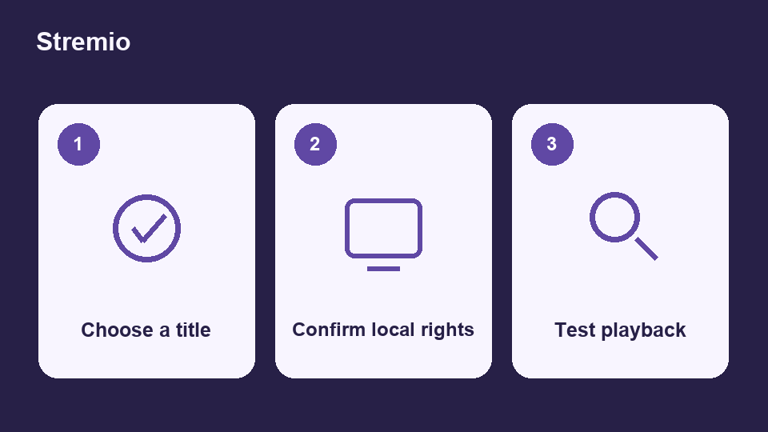
When a Stremio add-on shows a viewing option, identify the underlying service and find the same title on that service’s own website or app. Confirm that the title, release year, and episode match. Check that playback is offered in your region and that your account meets the provider’s terms. If a result forwards you to another service, confirm the offer there before entering account details. [Stremio Help Center on content sources](https://stremio.zendesk.com/hc/en-us/articles/360000294431-What-can-I-watch-in-Stremio-with-the-official-add-ons)
For a film released by its creator, look for the filmmaker’s own release announcement or a distributor’s page that identifies the authorized host. If you are considering a public-domain or openly licensed work, check the source’s rights statement for the exact edition and territory. A restoration or soundtrack may have its own rights. If you cannot identify who supplies a stream or verify their authorization, use a viewing source whose rights you can confirm.
Next step